About iEverText
iEverText is the Evernote client application. Do you want to pick favorite expressions out as you browse webpages or ebooks and store them in your notes directly? Do you want to edit a shared text between your computer...
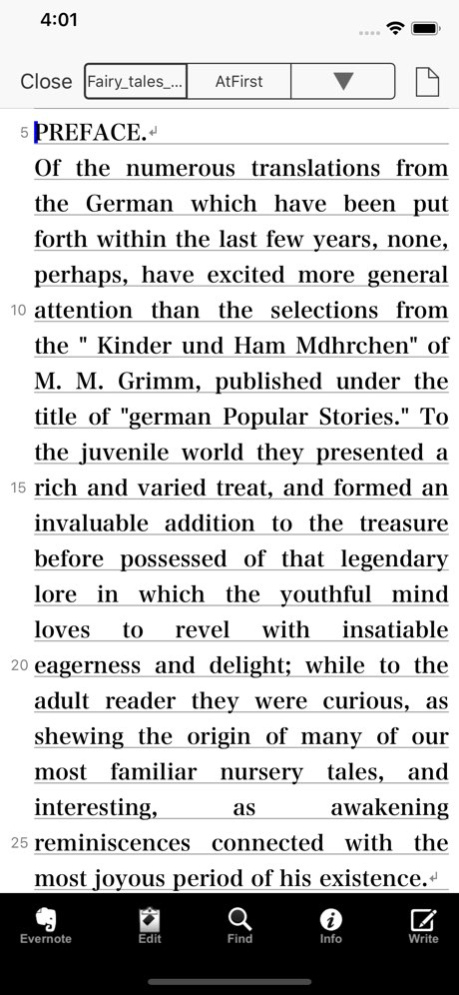
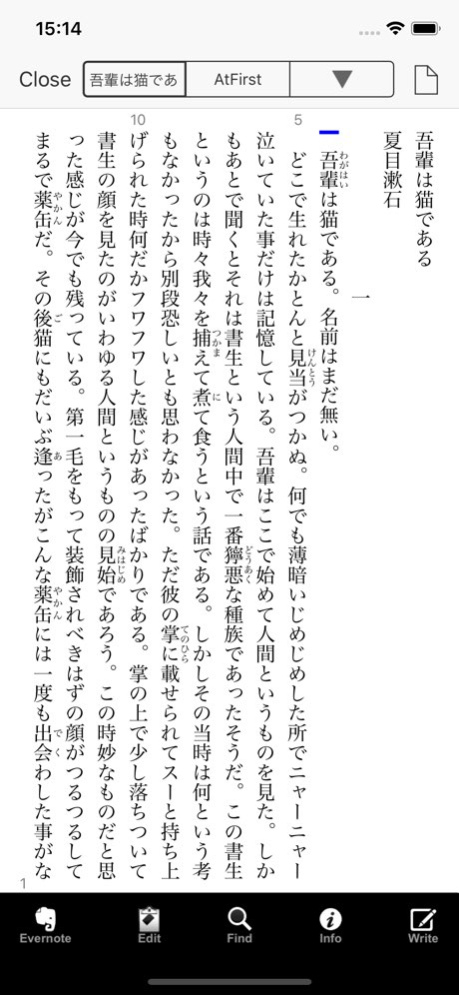
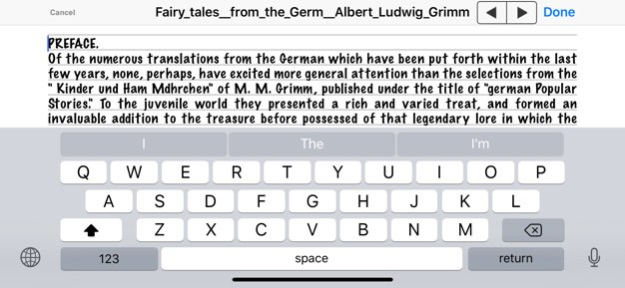
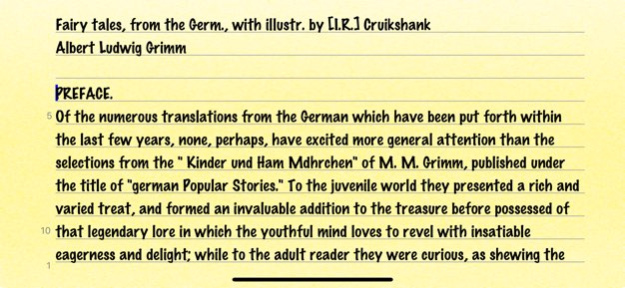
iEverText is the Evernote client application. Do you want to pick favorite expressions out as you browse webpages or ebooks and store them in your notes directly? Do you want to edit a shared text between your computer and iPhone any time creative inspirations strike? That's easy with iEverText! iEverText is a powerful and versatile Text Editor having lots of nice features, available for iPhone, iPod touch, and iPad. iEverText combines practicality with portability - that is what a Writer's Workshop should be. With iEverText, you have all the power you expect from a full-featured multipurpose text editing program - writing and editing several text documents at a time, saving each text onto the Evernote. You can email an editing text instantly, and preview webpages, ebooks, and downloaded files directly in iEverText to utilize their texts. iEverText also allows you to supports TextExpander touch snippet expansion. We sincerely hope iEverText will serve you well, being a good friend for your iPhone, iPod touch, and iPad. With iEverText, enjoy writing flexibly anytime, anywhere!
Previous Versions
Here you can find the changelog of iEverText since it was posted on our website on 2016-09-28 02:49:26.
The latest version is 1.4 and it was updated on 2026-10-12 19:28:13. See below the changes in each version.
iEverText version 1.4
Updated At: 2026-10-08
Changes: Version History 1. It equipped with Make Safety.
2. Renamed the "Share" to the "Share / Print".
3. Added the [Delete] button to the "Save and Close".
4. Fixed the bugs and improved stability. 1.4 03/27/2024 1. It corresponds to the 2020 specifications of App Store.
(Build with iOS 13 SDK, Support Dark Mode, etc.)
2. Fixed the bugs and improved stability. 1.3.2 07/29/2020 1. Fixed bugs of the "Line Numbers Color".
2. Enhanced [Info] > [Settings] and added a new item "Horz in Vert" in "Option" (Only executes in Vertical Writing).
3. Fixed bugs of the "Sort Order" of the notebook list of the Evernote. (Open File - Sort By)
4. Fixed bugs of the speed of to make a text selection. (Text Operations)
5. Support to the "iPRINT" of the text printing application. ( [File] > Share )
6. Fixed bugs and improved stability. (such as, comply with iPhone X.) 1.3.1 07/16/2018 1. Fixed troubles of login to the Evernote.
Added new item "Use Web Login" in "Collaborations" of [Settings].
2. Remove "Open from Web" and to work collaboration with Safari.
2-1. Due to the web access restriction of the application, "Open from Web" has been removed and replaced with "Open". ( [File] > Open )
2-2. File of the web is read in cooperation with Safari of the web browser.
3. "Send via Mail" replaced "Share" and "Send via Mail" became one item of "Share". ( [File] > Share )
4. "Evernote/Open" can create a new notebook. (Evernote - [Edit] - [New Folder] )
5. Fixed bugs of "Ruby and the Emphasis Dots" 1.3 10/12/2017 Fixed bugs and improved stability. (such as, to support iOS 9) 1.2.3 09/29/2015 1. Enhanced to improve the response of the character input in large text.
2. Enhanced to be able to sort of list of "Evernote" and "Save As".
3. Fixed bugs and improved stability. (Comply with iPhone 6 and iOS 8.) 1.2.2 08/31/2015 Fixed bugs and improved stability. (such as, to support iOS 7.1) 1.2.1 03/18/2014 1. Enhanced to comply with the flat design of iOS 7.
2. Enhanced to appear the ruled line during text input. (iOS 7 and later)
3. Enhanced to be able to change the color of the appearance. (iOS 7 and later)
4. Updated the TextExpander framework.
5. Fixed bugs and improved stability. 1.2 01/30/2014 1. Enhanced to be available for the ATOK Pad on iOS 7. (Only in Japanese)
2. Enhanced to be available for the TextExpander on iOS 7.
3. Fixed bugs and improved stability. 1.1.1 10/06/2013 1. Enhanced to be available for the iWriters.
2. By tapping a current-editing file name from the Navigation bar, the "Character Count" appears.
3. Enhanced to be available for the "TextExpander" 2.0, new snippet expansion "Fill-in". (iOS 6 and later)
4. Enhanced [Info] > [Settings], to provide more features below.
4-1. Added new item "Aozora Bunko Convert" in "Options".
5. Fixed bugs and improved stability. 1.1 07/18/2013 1.0 01/03/2013
iEverText version 1.4
Updated At: 2024-03-27
Changes: Mar 27, 2024
Version 1.4
1. It equipped with Make Safety.
2. Renamed the "Share" to the "Share / Print".
3. Added the [Delete] button to the "Save and Close".
4. Fixed the bugs and improved stability.
iEverText version 1.4
Updated At: 2024-03-27
Changes: 1. It equipped with Make Safety.
2. Renamed the "Share" to the "Share / Print".
3. Added the [Delete] button to the "Save and Close".
4. Fixed the bugs and improved stability.
iEverText version 1.3.2
Updated At: 2020-07-29
Changes: Jul 29, 2020
Version 1.3.2
1. It corresponds to the 2020 specifications of App Store.
(Build with iOS 13 SDK, Support Dark Mode, etc.)
2. Fixed the bugs and improved stability.
iEverText version 1.2.3
Updated At: 2013-01-03
Disclaimer
Official App Store Link
We do not host iEverText on our servers. We did not scan it for viruses, adware, spyware or other type of malware. This app is hosted by Apple and passed their terms and conditions to be listed there. We recommend caution when installing it.
The App Store link for iEverText is provided to you by apps112.com without any warranties, representations or guarantees of any kind, so access it at your own risk.
If you have questions regarding this particular app contact the publisher directly. For questions about the functionalities of apps112.com contact us.